Thursday, 23 April 2015
Monday, 13 April 2015
unit 30, task 7a, D1
D1
Vinyl cutters and Laser cutters for signage -
Vinyl cutters use a small knife to precisely cut out an outline of a picture to put on a vinyl sheet. Laser cutters work by a laser beam which cuts out the thing that you need. Vehicle wrapping is a non-permanent process which many companies use to advertise their businesses. The graphics are printed onto an adhesive vinyl and placed onto the vehicles. The image file for vehicle wrapping would be bitmap so the pixels in the image were not distorted.Illuminated shop signs are created by laser cutters. Opaque acrylic material is usually used. The process of this is to get the shop sign cut out by a laser, then lights are placed behind the opaque acrylic which makes signs illuminate at night. This would be a vector image file. Over the past 10 years, these cutters have developed massively as bigger laser and vinyl cutters are available.
Inkjet & wide format printing for bitmap displays and posters -
Inkjet printers is a type of computer printing that creates a digital image by propelling the drops of ink onto substances such as wood and plastic. The droplets are between 50 and 60 microns in diameter and images can have resolutions of up to 1440x720 droplets per inch. This gives images higher resolutions. Before inkjet printing was available you would have to print the image onto an adhesive roll and then stick it to the material which you wanted the image, for example on wood. Now you can do this automatically without using an adhesive roll on any material up to 50mm thick. RIP software would be ideal for this type of printing for bitmap displays.
Laser printers for leaflets and flyers -
Laser printers work by sending a laser beam from side to side of the page and scanning the document. This can then be transformed into a toner and then transferred onto the paper.Adobe Illustrator is a good program to use for laser printing. Duplex printing is a new type of printing that has been developed within the last decade. It allows you to print on two sides of the paper without removing the paper and having to turn it over, they can be printed in colour too. The printer can collate the documents together making sure that everything is in the correct order and can be stapled together into a little booklet. This is all done inside the printer making it very practical and less time consuming.
3D printing -
3D printing has been developed within the last 5 years. 3D printing begins by making a virtual design of the item and is made in CAD file using a 3D modelling program. A 3D scanner can also be used to scan the object and makes a digital copy of it. This is also put into a 3D modelling program. A layering method is used to build up the object when printing. Thousands of layers can be used and are built up horizontally. Once the whole object has been printed you cannot see the individual layers as they are blended together during the printing. New ways to develop 3D printing have already been suggested such as selective laser sintering. Friday, 27 March 2015
Unit 30 Task 8 D2
File Format; When I changed the file format from the original image to a PNG, the image quality didn’t deteriorate however the file size increased. The image looks very similar to the original image however some of the colours are not as bright. I also changed the file format to a JPEG. This decreased the file size and no quality was lost from the image. This would be an ideal way to save the image because the image is still of a high quality. The biggest difference I noticed was when I changed the file format to a GIF. The file size decreased from 1.1M to only 403. 3K. This made the image lose quality.
Compression Techniques; I saved the overall image as a JPEG because I thought it was the best quality. I then compressed the image from a quality of 100, 50 and 25. As you can see, the original image compared to the 25 quality image is drastic. The colours are not as bright and bold as the original image however the file size is 145.9K. The image is also pixelated. The 50 quality image is a bigger size but the difference in colour isn’t very clear with the 100 quality. The difference in the compression is shown clearly when you compare all of the images to the 25 quality image.
Friday, 13 March 2015
Unit 30, Task 4,P4 & P5
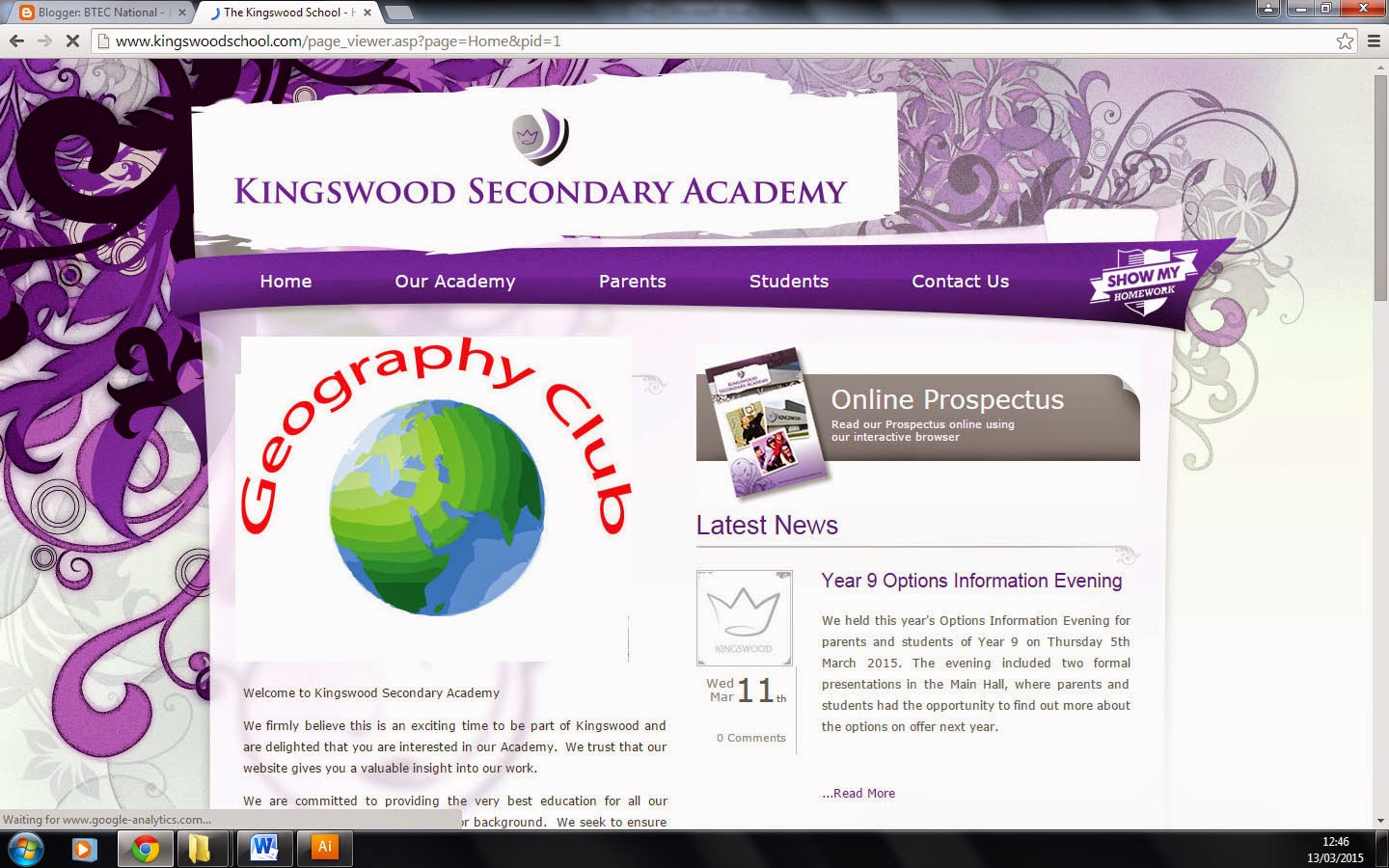
The purpose of my logo is to advertise a geography club in school.The logo is going to be used on a van, leaflet and a website
Feedback; Victoria gave me feedback on my logo and suggested to improve the logo by making the colour of the text brighter. This would make the logo stand out more on the van and leaflet.
I improved my logo like Victoria suggested and changed the colour of the text to red.
Webte;

van;
Leaflet;
Tuesday, 10 March 2015
Unit 30 Task 6 P6
Unit 30 Task 6 P6
Intellectual Property is the creation of the mind, Meaning
what you invent is yours for example designs and symbols. IP is
protected in law this enables people to earn recognition and financial benefit
from what they have created.
There are many legal pitfalls involved when using and
editing graphics. Copyright is when the owner of the image or document has the
right whether their image can be edited by anyone without permission or not
edited at all. If someone wanted to reuse an image that has copyrights, they
would need to get permission first and if they did not get permission, it would
be illegal. Copyright allows the owner of an image to have the rights over
their files. This is a good thing because their ideas/images can be protected
and prevent people from copying their ideas.
An example of copyright in education is when a student
copies an image from google or a piece of work off the internet. When over a
certain percentage is copied, the student has to state where they have got the
information from if not then it is called plagiarism.
Trademark;
Trademark is a symbol which shows a company has been legally
registered or established. It allows you to protect your company as it
restricts others from using the logo or company name. Companys such as ‘mcdonalds’ have trademark. It
appears as a small ‘TM’ next to the company name. Trademarking also adds value
to your company and lasts for 10 years.
Friday, 6 February 2015
Thursday, 29 January 2015
Subscribe to:
Posts (Atom)